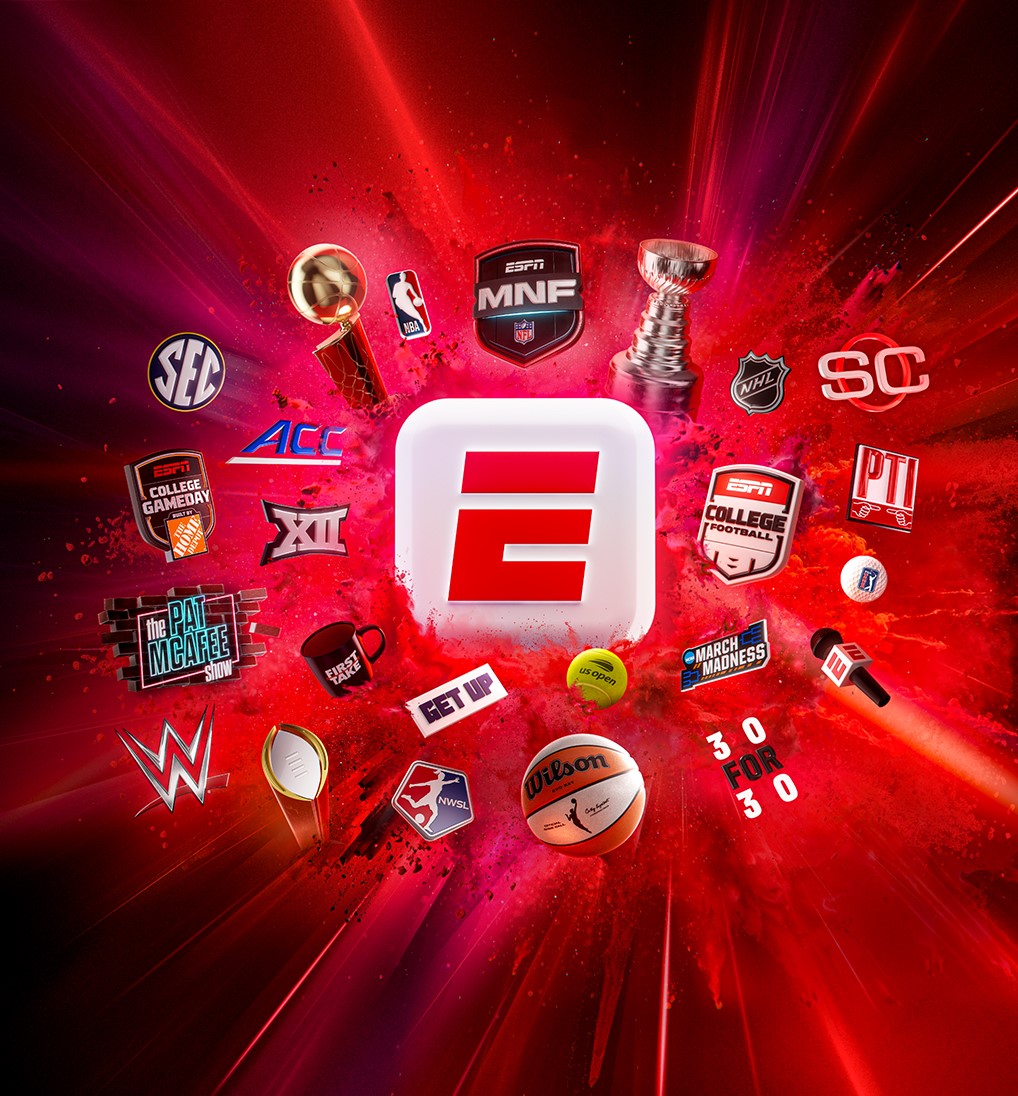
As long as you receive the ESPN networks as part of your TV subscription package, ESPN Unlimited is included—on us!
With ESPN Unlimited, you can stream all ESPN networks and ESPN+ content via the ESPN website or app—anytime, anywhere. From live games to exclusive shows, it’s the ultimate sports experience.
What’s Included?
• Access to all ESPN networks and services: ESPN, ESPN2, ESPNU, ESPNEWS, ESPN Deportes,
SECN, ACCN, ESPN+, ESPN on ABC, SECN+, and ACCNX.
• Coverage of NFL, NBA, NHL, MLB, tennis and golf majors, WWE, SEC, ACC, Big 12 football and basketball,
postseason action, and more.
• Studio shows like SportsCenter, First Take, and College GameDay.
• Live and on-demand content
• Stream ESPN content across multiple devices— including smartphones, tablets, smart TVs,
and computers
Let's get started!
1. Click here.
2. From the drop-down list, choose LFT Fiber (unless your LFT Fiber portal login bypasses the need to select it).
3. Log In: Enter your username and password.
• If you don’t have an account, follow the Register or Create Account instructions.
4. Agree and Activate: After successful login, you will be directed to an ESPN webpage.
Click “Agree & Activate”.
5. Complete ESPN/MyDisney Setup:
• Enter your email address and click Continue.
• If your email is not recognized, create an account by following the on-screen directions.
• If your email is recognized, enter your password to log in. You’ll then arrive at the ESPN website/app,
where you can access ESPN Unlimited content.
Note: To access ESPN Unlimited on a different device after completing the initial setup, enter your MyDisney
credentials at ESPN.com.
Questions?
If you need help getting started or have questions about your access, please contact our customer service
team at 337-993-4237.
Thank you for being a valued subscriber!
Best Regards,
The Team at LFT Fiber


-Expanded.jpg)