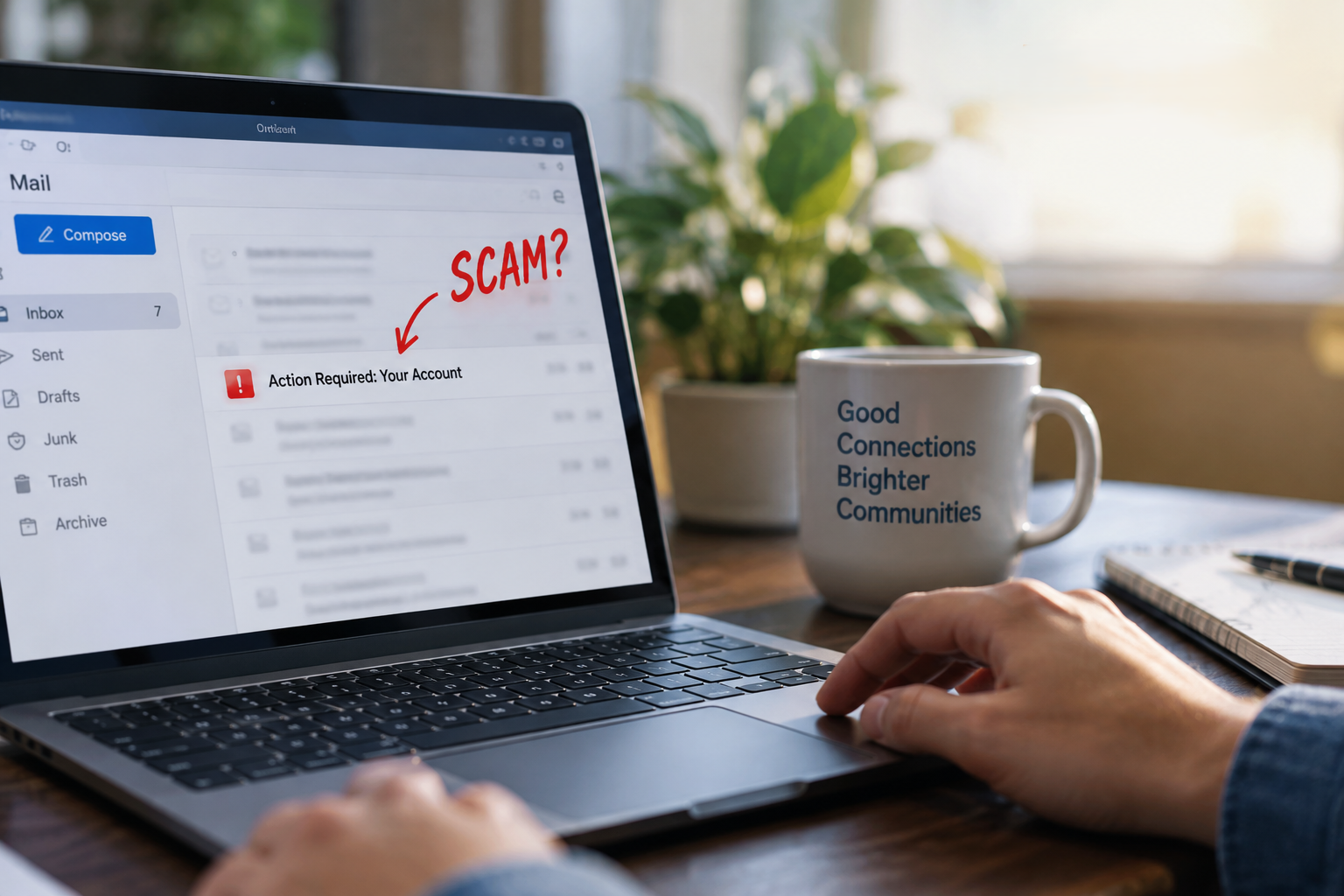
Think Before You Click: How to Spot a Phishing Email
Phishing scams are designed to look familiar. An email may appear to come from a company you know, use convincing logos or wording, and ask you to take action quickly.
A few seconds of checking can help you catch the warning signs before you click a link or share information.
Your phishing email checklist
Check the full sender address
Look beyond the sender name shown in your inbox. Scammers can make a message appear to come from a familiar company while using an email address that is slightly different.
Hover over links before clicking
On a computer, hover your cursor over a link to see where it actually leads. Read the address carefully. Small spelling changes, extra words, or unfamiliar domains can be warning signs.
Pay attention to urgent language
Be cautious when an email pressures you to act immediately, warns that your account will be closed, or says your information must be updated right away. A sense of urgency is a common phishing tactic.
Keep personal information private
Never send passwords, account numbers, Social Security numbers, or other sensitive personal information by email. LFT Fiber will never ask you to send that information through an email.
Stop and verify when something feels off
You do not have to use the phone number, link, or contact information inside a suspicious message. Contact the company through a phone number or website you already trust.
Know LFT Fiber's official email domains
Legitimate email communications from LFT Fiber will come from addresses ending in:
- @lftfiber.com
- @lusfiber.com
- @lusfiber.net
Keep in mind that a scammer may try to make an email look like it came from a legitimate address. Checking the full sender information and any links is still a good habit.
What should you do with a suspicious email?
Avoid clicking links, opening unexpected attachments, replying to the message, or providing any information.
If the message claims to be from LFT Fiber and you aren't sure it's legitimate, contact us directly. Our team can help you confirm whether the communication came from us.
When in doubt, call us.
Contact LFT Fiber directly at 337-993-4237.

-Expanded.jpg)

.png)