Getting Things Ready Outside
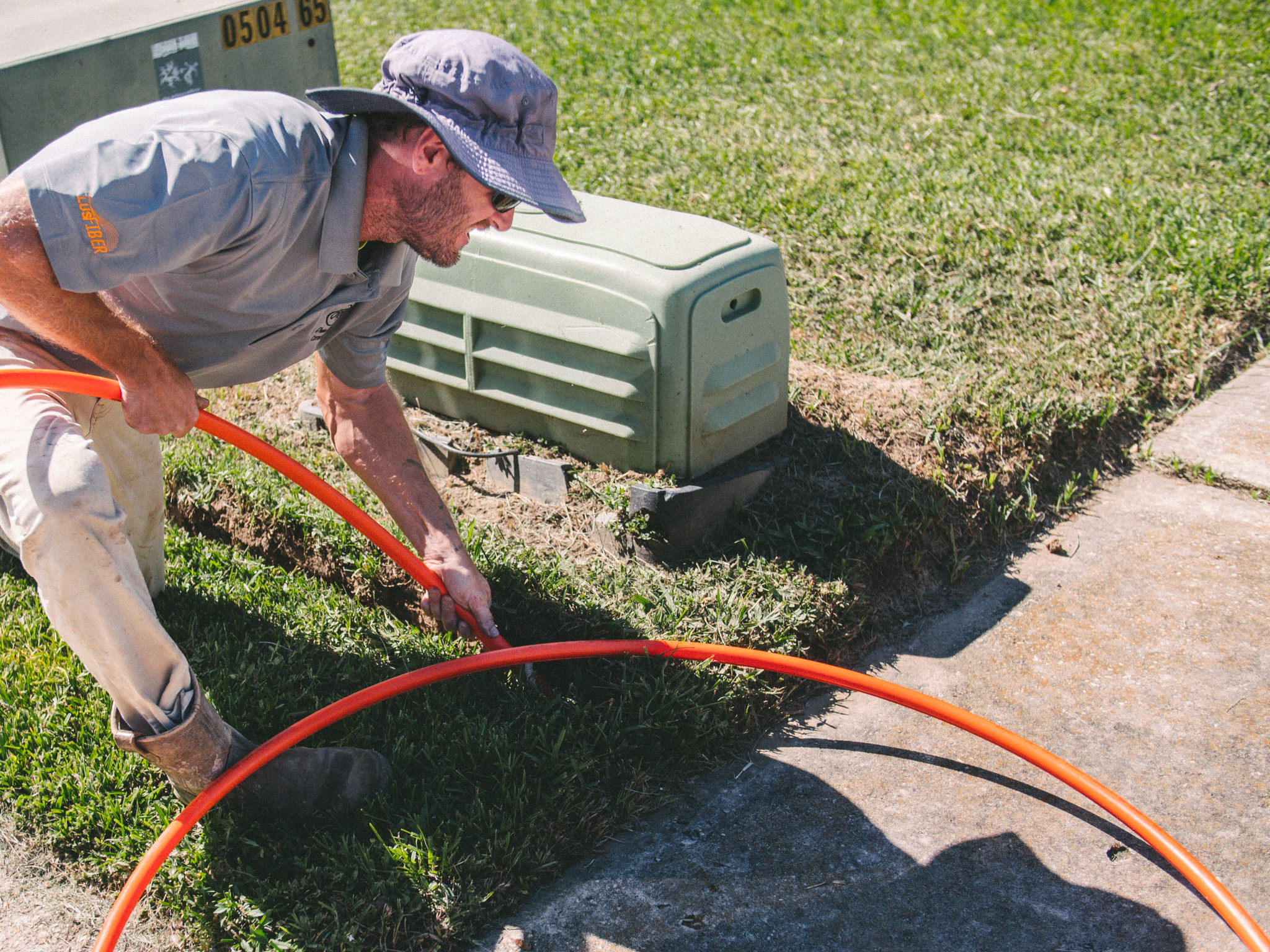
Before your in-home appointment, our outside crews prepare the fiber connection to your location. Fiber may be installed underground or through the air, depending on how power is already run in your area. We follow existing power pathways whenever possible.
You may see one or more LFT Fiber crews in your area before your scheduled appointment. That is expected and a good sign that your installation is moving forward.
● An underground crew may install and bury the fiber line leading to your location
● A network crew may connect that line into the LFT Fiber network and place a small connection box on the outside
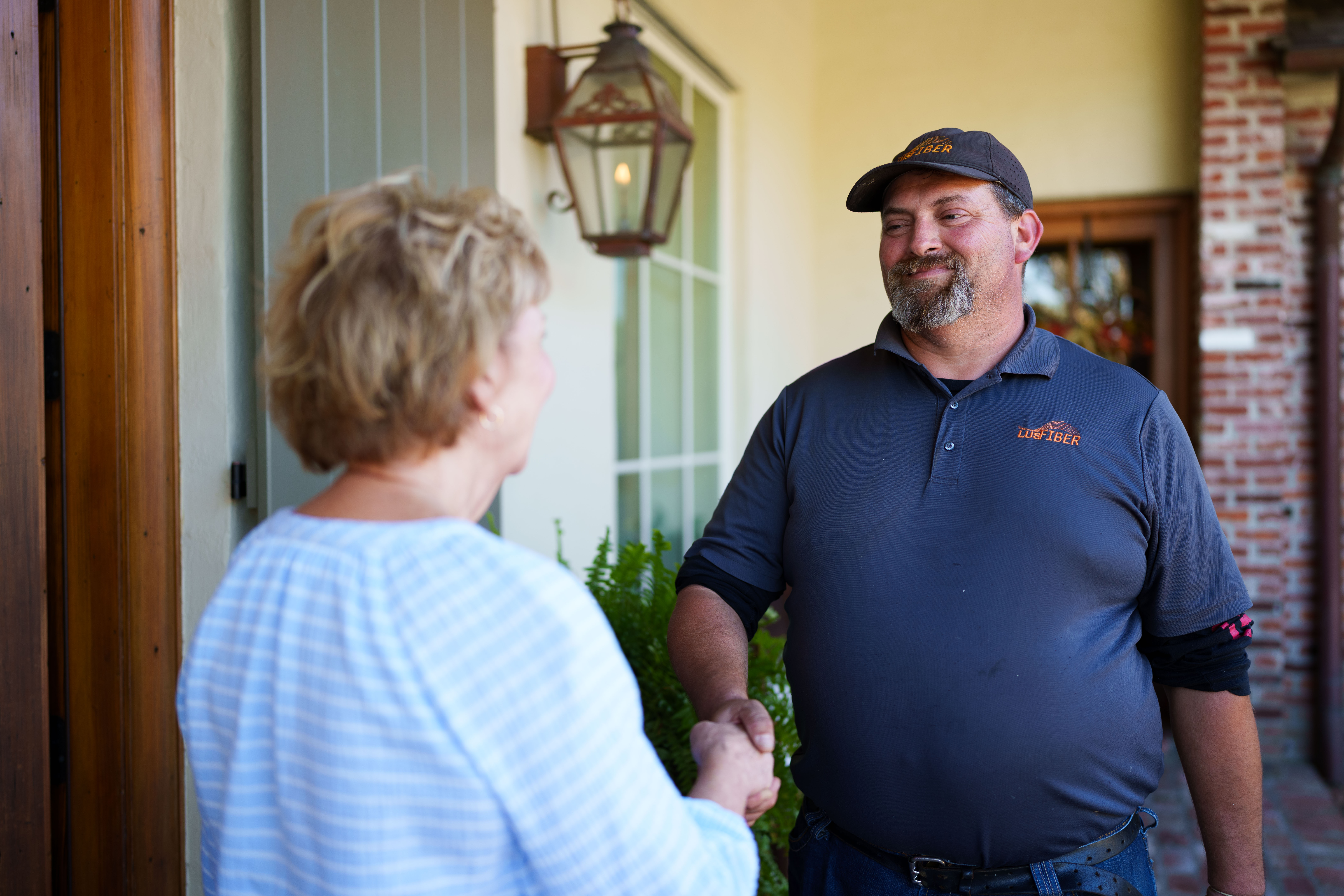
● A premise technician will later complete the in-home installation and activate your services
You do not need to be home for outside work. Our crews work carefully around your property and restore any disturbed areas once the work is complete. Outside work often happens ahead of your in-home appointment and may take place on different days.
Your In-Home Installation
Your in-home installation is scheduled with Customer Service and is when your services are installed and turned on. Most installations take one to two hours, depending on the services ordered and your setup. You will be provided an installation window ahead of time so you know when to expect your technician.
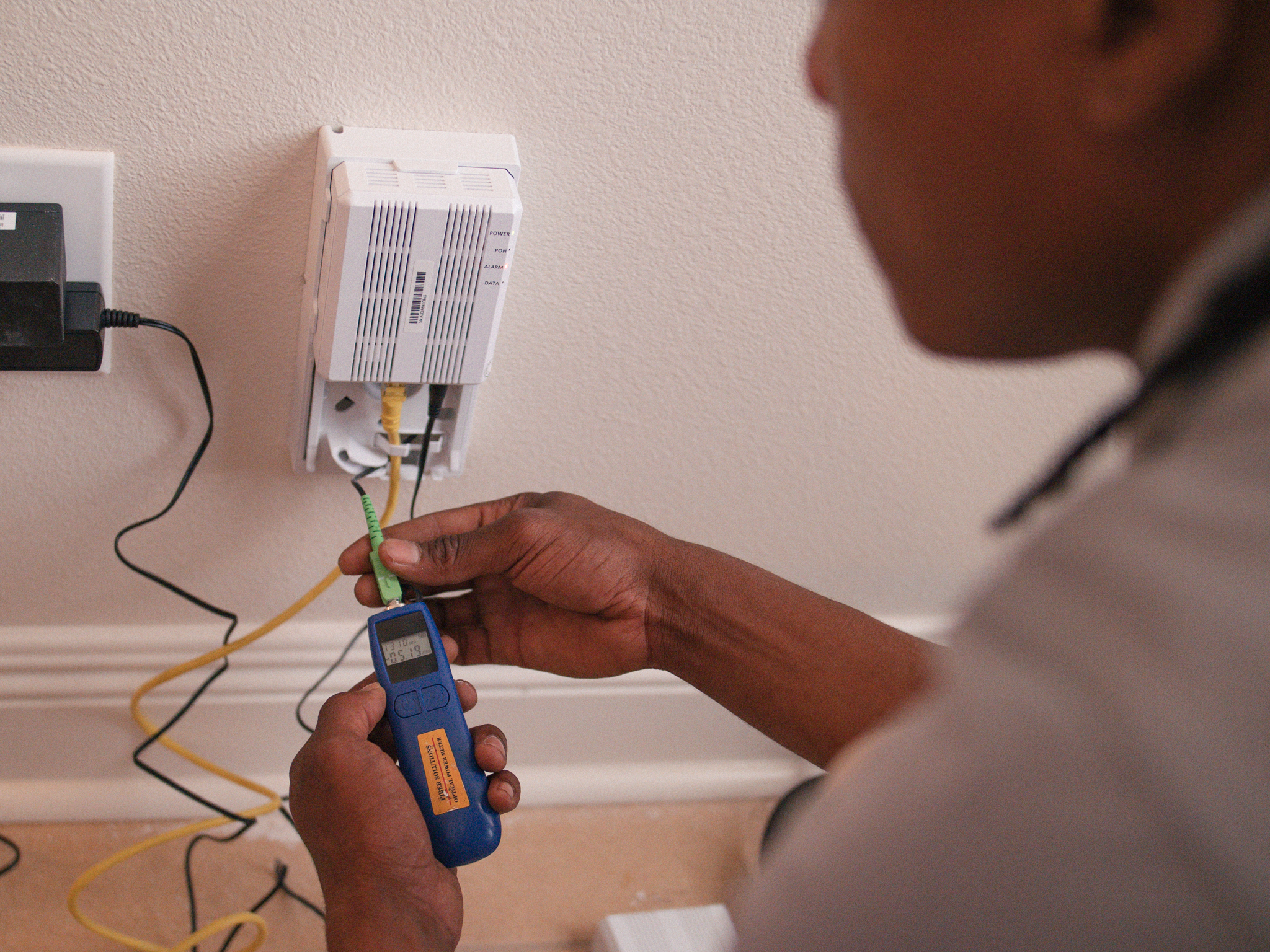
During the visit, the technician will install and activate the services you chose, which may include:
● Internet service and router, if applicable
● ConnecTV video service
● Phone service
Before leaving, the technician will test everything to confirm your services are working properly.
A Walkthrough Before We Go
Once installation is complete, the technician will walk through your services with you. They will show you how things work, confirm Wi-Fi connectivity, streaming access, and phone functionality, and make sure your questions are answered before leaving.
A Few Helpful Things to Know
To help your installation go smoothly:
● Someone 18 or older must be present for the in-home installation
● Clear access to TV locations and the area where the router will be placed helps the appointment move efficiently
Support Does Not Stop After Installation
If you have questions at any point before, during, or after your installation, you can call or text us at 866-221-5510. Our local support team is here to help.